HitMyNeed
USB Rechargeable LED Headlamp with Sensor Control
USB Rechargeable LED Headlamp with Sensor Control
Couldn't load pickup availability
Hands‑Free, Reliable Light for Work and Outdoors
This USB rechargeable LED headlamp delivers wide, uniform illumination plus a focused spotlight in a compact, lightweight design. A built‑in rechargeable battery removes the need for disposable cells, while advanced LED technology provides consistent brightness for demanding tasks in low‑light conditions.
The 230° COB (chip-on-board) LED strip floods your immediate surroundings with a broad, shadow‑reducing beam, ideal for close‑up work, DIY, and campsite use. An additional XPE spotlight focuses light further ahead, supporting activities such as night walking, cycling, or inspecting hard‑to‑reach areas. The soft silicone body and adjustable elastic headband ensure a secure, comfortable fit for extended wear, and the low 2.4 oz weight makes it easy to carry in a pocket or tool bag.
Why It's a Smart Choice
- Versatile 6‑Mode Lighting - Choose from COB high/low, XPE high/low, strobe, and motion sensor mode to match tasks ranging from detailed work to emergency signaling.
- Convenient Motion Sensor Control - Wave your hand in front of the sensor to switch the light on or off, even while wearing gloves, keeping your hands free for tools and equipment.
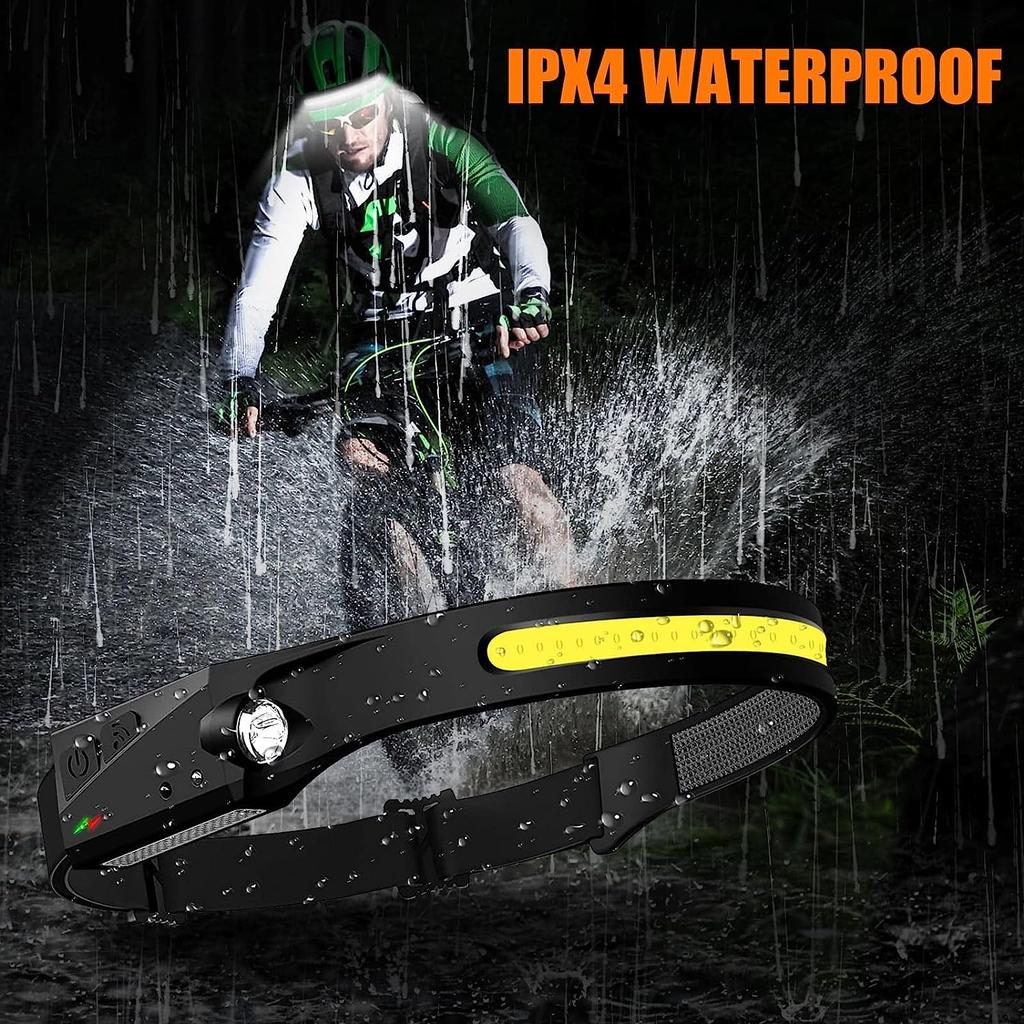
- USB Rechargeable & Weather‑Resistant - Recharge via any USB power source and rely on IPX4 water resistance for use in light rain or splashes during outdoor or workshop use.
FAQ
Q: How is the headlamp charged?
A: The headlamp charges via a standard USB cable (included). Connect it to a computer, USB wall charger, or power bank until fully charged.
Q: Is the headlamp adjustable to different head sizes?
A: Yes. The elastic headband is fully adjustable and designed to fit most head sizes, including over caps or helmets.
Q: Can I use it in the rain?
A: The headlamp is IPX4 water‑resistant, meaning it can withstand splashes and light rain. It should not be submerged in water.
Q: How do I activate the motion sensor mode?
A: Cycle through the modes using the power button until motion sensor mode is selected, then wave your hand in front of the sensor area to turn the light on or off.