HitMyNeed
Portable 1TB External Hard Drive USB 2.0
Portable 1TB External Hard Drive USB 2.0
Couldn't load pickup availability
Reliable 1TB Portable Storage for Everyday Use
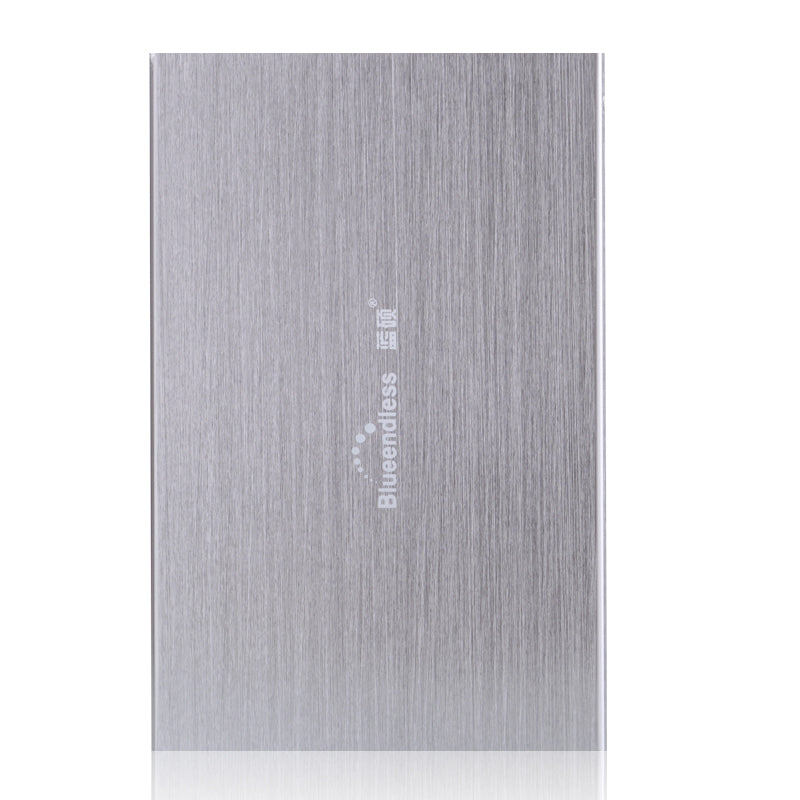
This portable 1TB external hard drive provides dependable, on-the-go storage for documents, photos, videos, and backups. Built around a 2.5" HDD with a 5400rpm rotational speed and 8MB cache, it delivers consistent performance for everyday file transfers and archiving. The compact enclosure connects via USB 2.0 and includes a matching USB cable, so you can start using it immediately.
Designed for convenience, this external drive requires no additional power supply and supports simple plug-and-play operation on most computers. Just connect the USB cable to your laptop or desktop and the drive is ready to use-no driver installation or extra software required. Internal shock sensor and ramp loading technology help protect the disk mechanism and your data during regular handling and transport, making it a practical solution for work, study, or personal use.
Why It's a Smart Choice
- 1TB of extra space - Easily store large files, media libraries, and backups without upgrading your internal drive.
- Portable and compact - Lightweight 2.5" form factor fits in a bag or laptop sleeve for convenient travel.
- Simple plug-and-play setup - USB 2.0 connection works without additional software, enabling quick, straightforward use on compatible devices.
FAQ
Q: Does this drive require an external power adapter?
A: No. It is powered directly through the USB 2.0 connection, so no separate power supply is needed.
Q: Is it compatible with Windows and macOS?
A: Yes. The drive can be used with most Windows and macOS systems. You may reformat it to your preferred file system if needed.
Q: Do I need to install any software?
A: No. It supports plug-and-play operation; your computer should recognize the drive automatically once connected.
Q: Can I use it with a TV or media player?
A: Many TVs and media players support USB storage. Compatibility depends on the specific device and supported file systems; please check your device's manual.