HitMyNeed
Ergonomic Silent Rechargeable Bluetooth Mouse
Ergonomic Silent Rechargeable Bluetooth Mouse
Couldn't load pickup availability
Comfortable, Quiet Control for Everyday Computing
This ergonomic silent rechargeable Bluetooth wireless mouse is designed to support your hand naturally while delivering smooth, precise cursor control. Its contoured shape follows the curve of your palm, helping to reduce wrist strain during long work sessions. A textured side grip provides a secure hold, while low-profile buttons and a streamlined body make it suitable for both office and home use.
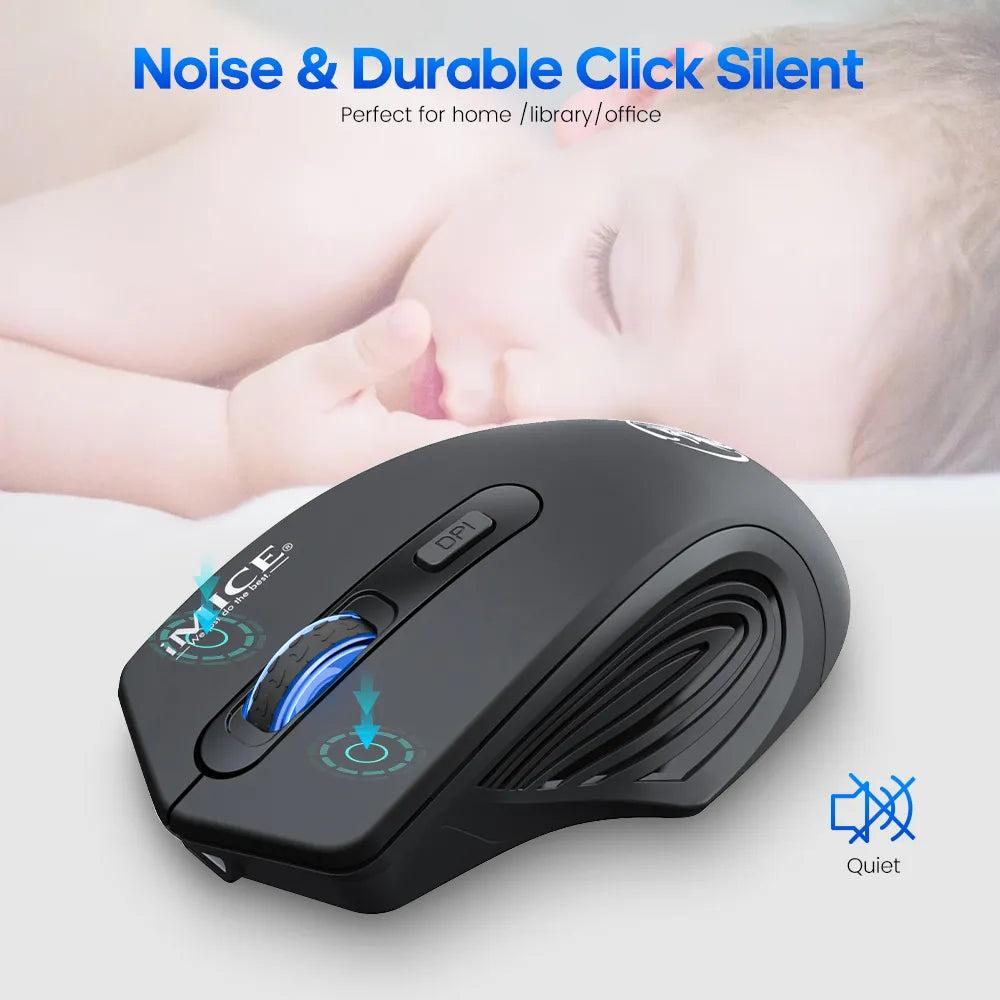
Enjoy a quieter workspace with silent left and right buttons that significantly reduce clicking noise, ideal for open offices, meetings, libraries, or late-night work. The built-in rechargeable battery eliminates the need for disposable batteries-simply connect the included USB cable to top up power. With dual connection modes, you can pair via Bluetooth or use the included 2.4 GHz USB nano receiver (stored in the back of the mouse) for instant, driver-free setup.
Why It's a Smart Choice
- Dual Wireless Connectivity - Switch between Bluetooth and 2.4 GHz USB wireless to suit laptops, desktops, and tablets in different environments.
- Quiet, Durable Buttons - Silent clicks and a tested lifespan of over 5 million presses support focused work and long-term reliability.
- Adjustable Precision - Three DPI levels (800/1200/1600) let you fine-tune cursor speed for documents, browsing, or detailed tasks.
Compatible with Windows XP/ Vista/ 7/ 8/ 10/ 11, macOS (10.4 and later), ChromeOS, and devices with a USB port. Also suitable for use with many gaming consoles that support USB mice.
FAQ
Q: Do I need to install any drivers?
A: No. Just plug in the USB nano receiver or pair via Bluetooth, and the mouse is ready to use on supported systems.
Q: Can I use it while charging?
A: Yes. You can continue using the mouse while it is connected to the USB charging cable.
Q: How do I change the DPI setting?
A: Press the DPI button on the mouse to cycle between 800, 1200, and 1600 DPI until you reach your preferred cursor speed.
Q: Is this mouse suitable for both left- and right-handed users?
A: The design is optimized for right-handed use, with contours and side grip shaped for the right hand.